
The app
From your question to your next step.
A guide to asking, choosing your cards, and keeping what matters from your reading.
Your first 3 readings need no account. Start right here in your browser. Nothing to install.
Keep Fortuna one tap away by adding her to your Home Screen.
How Fortuna works
01 · Your question
Start with what matters to you.
Write your question in your own words, or choose one of Fortuna’s suggestions. The app recommends a spread for your question. You can choose another if you prefer.
02 · Your cards
Two ways to choose your cards.
Use whichever suits the moment. Both lead to the same reading experience.
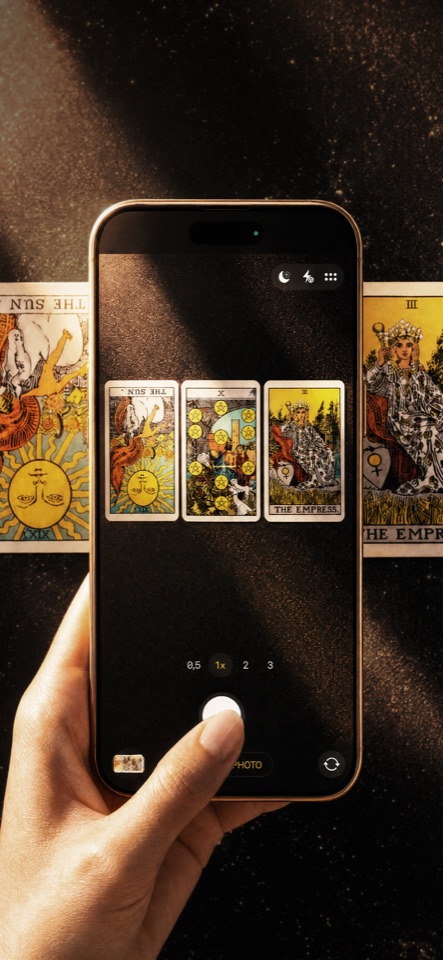
Photograph your own spread
Follow the layout in the app, then photograph your Rider-Waite spread. Fortuna recognises upright and reversed cards.
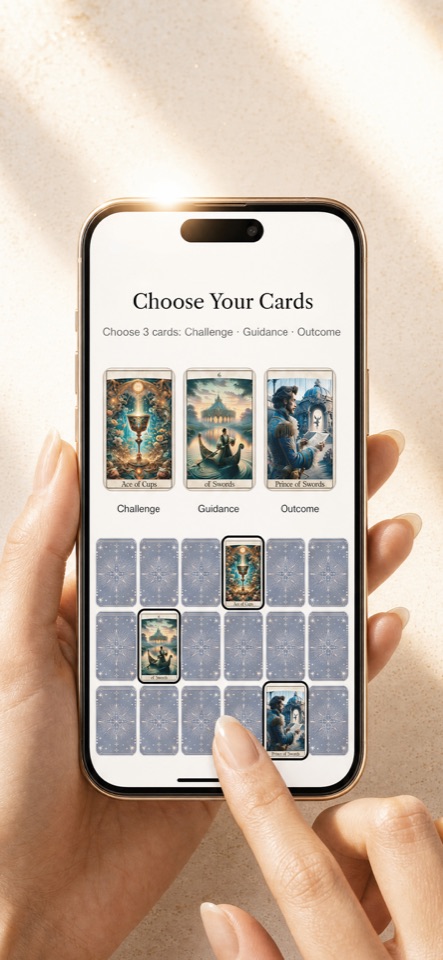
Draw in Fortuna
Choose your cards from the in-app deck. You don’t need physical cards or previous tarot experience.
03 · Your reading
Read the cards together.
Fortuna connects the cards, their positions, and your question in one reading. You don’t have to piece together separate card meanings yourself.
Your next step
Each reading ends with a practical suggestion: something to try, ask, or do.
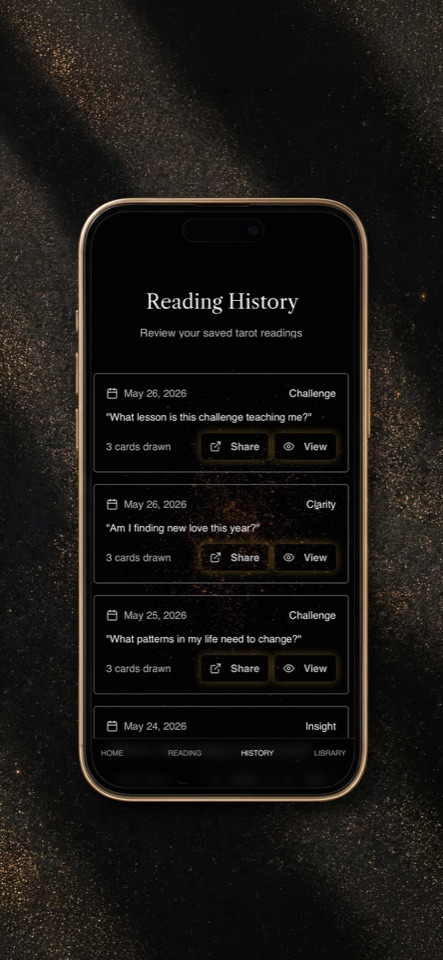
04 · Your reading history
Make the reading your own.
Save readings to your account and add personal notes: what stood out, what you tried, or what you want to return to. Your notes stay with the reading.
Revisit your saved readings and spread photos whenever you want to pick up the thread on your phone, tablet or laptop.
05 · The card library
Look a little deeper.
Search the Library by card name, word, or theme. Explore upright and reversed meanings whenever you want a closer look.
Explore the Library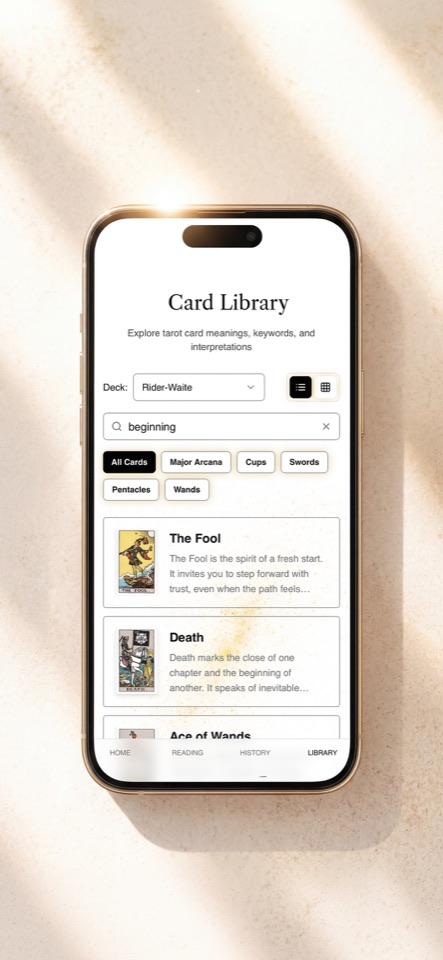
Start free. Save when you’re ready.
Try your first three readings without an account. Create a free account to keep them and get two more free readings, add personal notes, and enjoy five free readings in total.
Fortuna lives in your browser. After signup, you can install the app from the Android store or add Fortuna to your . Installation is optional.